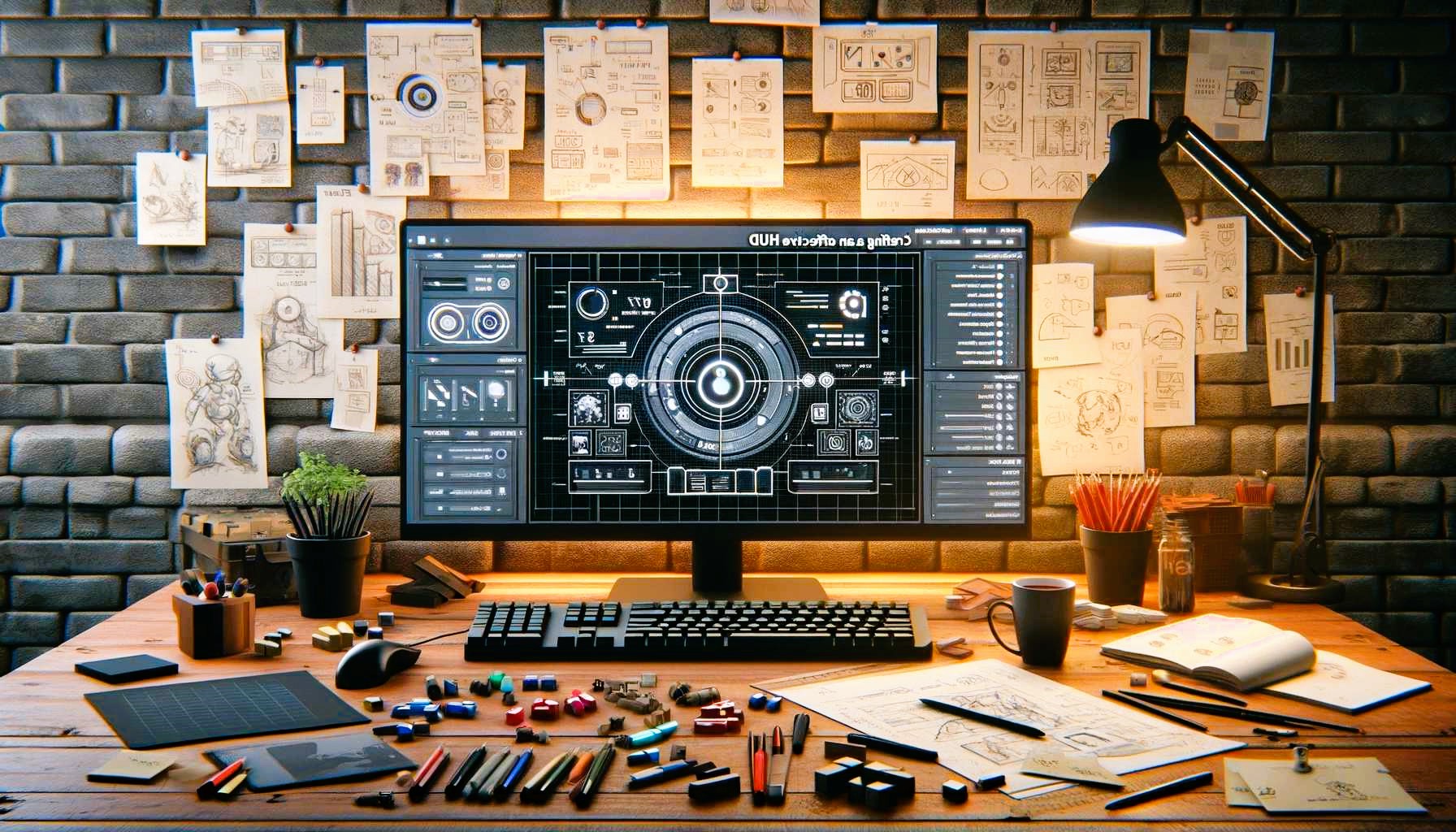
Creating game interfaces can be a time-consuming and intricate process, especially for developers and designers striving to meet the demands of modern gaming. The balance between functionality, aesthetics, and performance requires precision and attention to detail. Enter Armature, the wireframing tool for Adobe Illustrator that is transforming how game UI designers work. With its powerful features and expansive library, Armature helps speed up the UI design process without compromising quality.
Why Speed Matters in Game UI Design
In the competitive world of game development, speed is critical. Fast iterations and prototype designs are often the key to achieving a polished product within tight deadlines. Delays in UI development can impact gameplay testing, feedback loops, and, ultimately, a game’s release schedule. Tools like Armature can drastically reduce the time spent on repetitive design tasks, allowing more focus on refining user experience and gameplay elements.
Features of Armature That Boost Efficiency
1. Ready-Made Library of Game Elements
Armature’s extensive library includes pre-built components tailored for game interfaces, such as:
- Health bars and ammo indicators
- Inventory grids and item icons
- Crosshairs, mini-maps, and timers
- Buttons and navigation menus
These elements save hours of work, letting designers simply drag and drop components into their layouts.
2. Support for Game-Specific Design Needs
Armature is built with versatility in mind, accommodating various genres and platforms:
- FPS Games: Use pre-designed HUD templates for action-packed shooters.
- RPGs: Implement inventory systems, skill trees, and dialogue boxes with minimal effort.
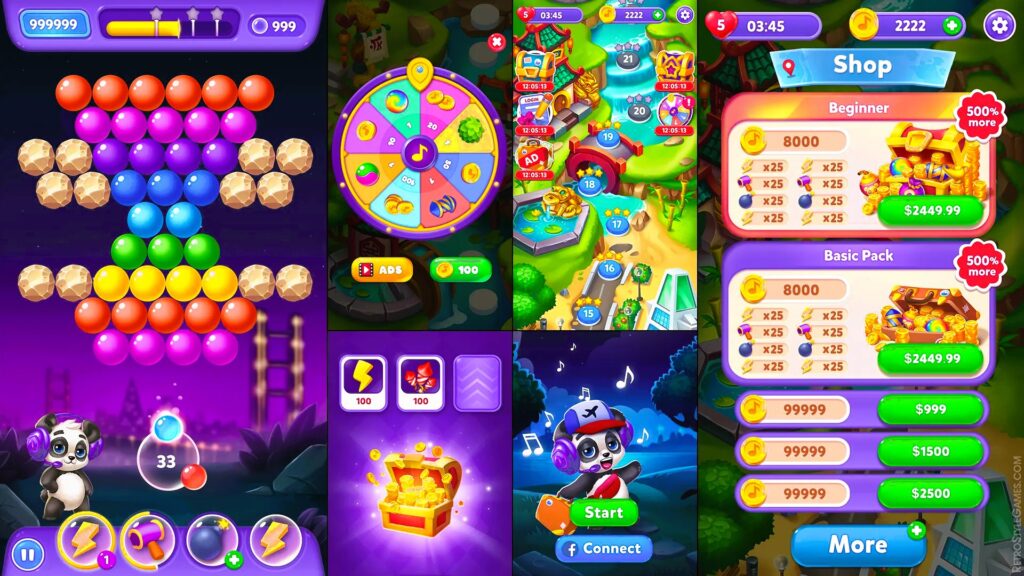
- Mobile Games: Optimize touch-friendly UI elements for smaller screens.
3. Intuitive Workflow Integration
Seamlessly integrating with Adobe Illustrator, Armature ensures that designers can work in an environment they are already familiar with. Key benefits include:
- Customizable templates: Modify components to match your game’s aesthetic.
- Layered vector assets: Allow for precise edits and scalability.
- Cross-platform adaptability: Export designs for Unity, Unreal Engine, or other game engines. Did you like the article? Read also about Top 5 Popular Games of 2024.
4. Responsive Prototyping
Designing for multiple devices and resolutions is essential in today’s gaming market. Armature supports responsive design principles, enabling quick adaptation for various screen sizes, from PCs to consoles to mobile devices.
Practical Use Cases: How Armature Speeds Up Workflow
1. Prototype Development
Building early-stage prototypes becomes faster with Armature. For example, a designer can:
- Start with a pre-built HUD template.
- Add and adjust inventory slots, buttons, or health bars within minutes.
- Export the layout directly to game engines for playtesting.
2. Rapid Iteration
During testing, feedback often demands changes to UI elements. With Armature, designers can:
- Quickly swap components like crosshairs or icons.
- Adjust color schemes or layouts with minimal effort.
- Update designs in real-time for instant feedback integration.
3. Collaborative Design
Armature’s organized assets make it easy for team members to collaborate. Developers and testers can provide actionable insights, while designers implement changes efficiently using the tool’s intuitive interface.
How Armature Compares to Other Tools
When compared to tools like Figma or Unity’s native UI editors, Armature excels in:
- Game-focused design: While general UI tools cater to a broader audience, Armature is tailored for gaming needs.
- Efficiency: The pre-built game-specific library significantly cuts down development time.
- Flexibility: Works seamlessly with other industry-standard tools, making it ideal for complex projects.
For a broader understanding of UI tools in gaming, see the list of UI design software on Wikipedia.
Tips for Maximizing Armature’s Potential
- Customize the Library: Tailor pre-built elements to reflect your game’s unique style.
- Leverage Shortcuts: Use Adobe Illustrator’s shortcuts to streamline repetitive tasks further.
- Test Early and Often: Export designs to your game engine frequently to ensure functionality and alignment with gameplay.
- Collaborate Creatively: Share your designs with team members for constructive feedback, using Armature’s clear organization to avoid miscommunication.
Armature is more than just a tool; it’s a game-changer for designers working on game interfaces. Its pre-made library, intuitive features, and seamless workflow integration allow for rapid prototyping and iteration, making it an indispensable asset in the development process. Whether you’re an indie developer or part of a AAA studio, Armature provides the tools to deliver polished, professional UIs efficiently.